Lucy's Classroom Challenge
About
Lucy's Classroom Challenge is a delightful puzzle game that combines timing and strategy in a classroom setting. The controls are responsive, and the stages are well-designed to gradually increase difficulty. It's perfect for casual players looking for a light mental workout. The cheerful art style and family-safe content make it suitable for kids and adults alike. Highly recommended for fans of time management and puzzle games.
Game Introduction
Lucy's Classroom Challenge is a casual puzzle game where you assist Lucy in completing small, creative projects during class. The core objective is to finish these projects while the teacher is not present, requiring careful attention and quick thinking. Each stage introduces fresh challenges that reward focus, timing, and smart decisions. The game is designed to be engaging and family-friendly, offering a lighthearted take on classroom scenarios. Responsive controls and smooth performance keep you immersed from the first attempt. Players learn to observe patterns, plan their next move, and improve with every run. This game is suitable for all ages and provides a fun way to practice concentration and strategic planning.
How to Play
Players typically control Lucy as she works on various projects. The main gameplay involves completing tasks before the teacher returns to the classroom. You must manage your time wisely, choosing which project pieces to work on and when. Each stage has a set of objectives that must be met to progress. The game uses simple touch or click controls, making it easy for anyone to pick up and play. As you advance, the challenges become more complex, requiring better timing and more careful planning. Pay attention to the teacher's movements and plan your actions accordingly to avoid detection.
Game Features
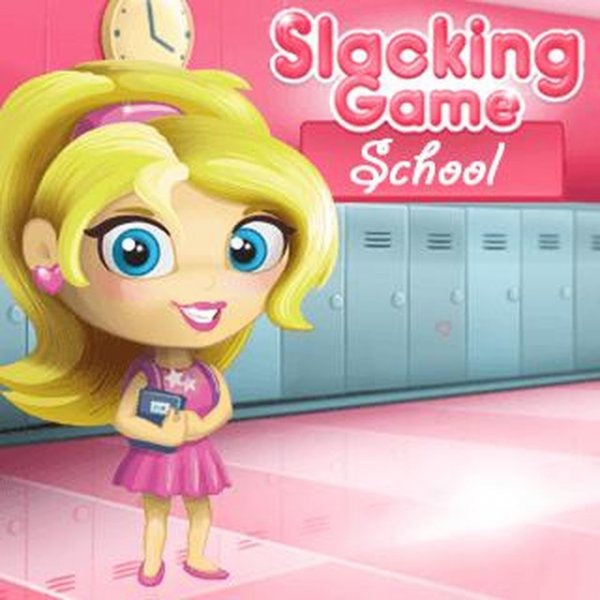
Lucy's Classroom Challenge includes multiple stages, each with unique puzzles and objectives. The game features responsive controls and smooth performance, ensuring a seamless experience. Players can improve their skills through repeated attempts, learning from each run. The game may include various project types that keep the gameplay fresh and engaging. It is designed to be family-safe and suitable for players of all ages. The visual style is cheerful and cartoon-like, enhancing the lighthearted theme.
Tips for Success
Practice regularly to improve your timing and decision-making. Observe the teacher's patterns carefully to find the best moments to work on projects. Plan your moves ahead of time to maximize efficiency. Stay calm and focused, as rushing can lead to mistakes. Each attempt is a learning opportunity, so use what you learn to refine your strategy.