
Pixel Paddle Bounce
Opens in a play window — no download required.
Reviews
Pixel Paddle Bounce succeeds by taking the stress out of a beloved genre. The catch mechanic means no more restarting after a single mistake, which makes it ideal for casual players. The clean pixel visuals are pleasant, and the gradual difficulty curve keeps things interesting. Bonus items add a nice strategic layer. It's a well-crafted, accessible game that respects your time.
Description
Core Gameplay Loop
In Pixel Paddle Bounce, players move a paddle horizontally across the bottom of the screen to deflect a ball upward. The goal is to break every brick in a level by hitting them with the ball. Each brick requires one or more hits to shatter, and the ball bounces off walls and the paddle. The game stands out by removing the traditional penalty for missing the ball—if it falls past the paddle, you can simply catch it and resume play. This design encourages experimentation and reduces frustration, making it suitable for casual sessions.
Visual Style and Presentation
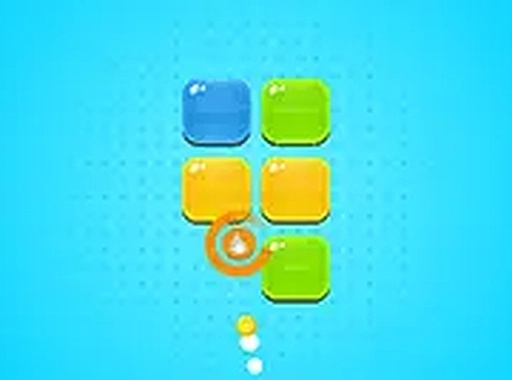
The game adopts a clean, pixel-inspired aesthetic with bright colors and simple shapes. Bricks are arranged in various patterns, and the paddle and ball have a crisp, modern look. The interface is minimal, focusing attention on the action. Full-screen mode is available for a more immersive view, and the game adapts to different screen sizes without losing visual clarity.
Controls and Accessibility
Players control the paddle using a mouse or touch input, making the game accessible on both desktop computers and mobile devices. The controls are responsive and smooth, allowing for precise positioning. The forgiving catch mechanic means that even beginners can enjoy the game without feeling punished for mistakes. This approach lowers the barrier to entry while still offering a satisfying challenge for those who aim to clear all levels.
Progression and Difficulty
As players advance, levels introduce new brick arrangements and increased complexity. Some bricks may require multiple hits, and the ball's speed can vary. Bonus items occasionally appear, providing temporary advantages such as a wider paddle or extra balls. These elements keep the gameplay fresh without overwhelming the player. The gradual difficulty curve ensures that each new level feels like a natural step up from the last.
Bonus Items and Power-Ups
During gameplay, special items may drop from broken bricks. Collecting these can enhance the paddle size, slow the ball, or grant other helpful effects. These power-ups are optional but can make challenging levels more manageable. They add a layer of strategy, as players must decide whether to prioritize collecting a bonus or focusing on clearing remaining bricks.

Comments
Sign in to leave a note
You must be logged in before posting a review or rating.
No account? Create one
No comments yet. Be the first to comment!